
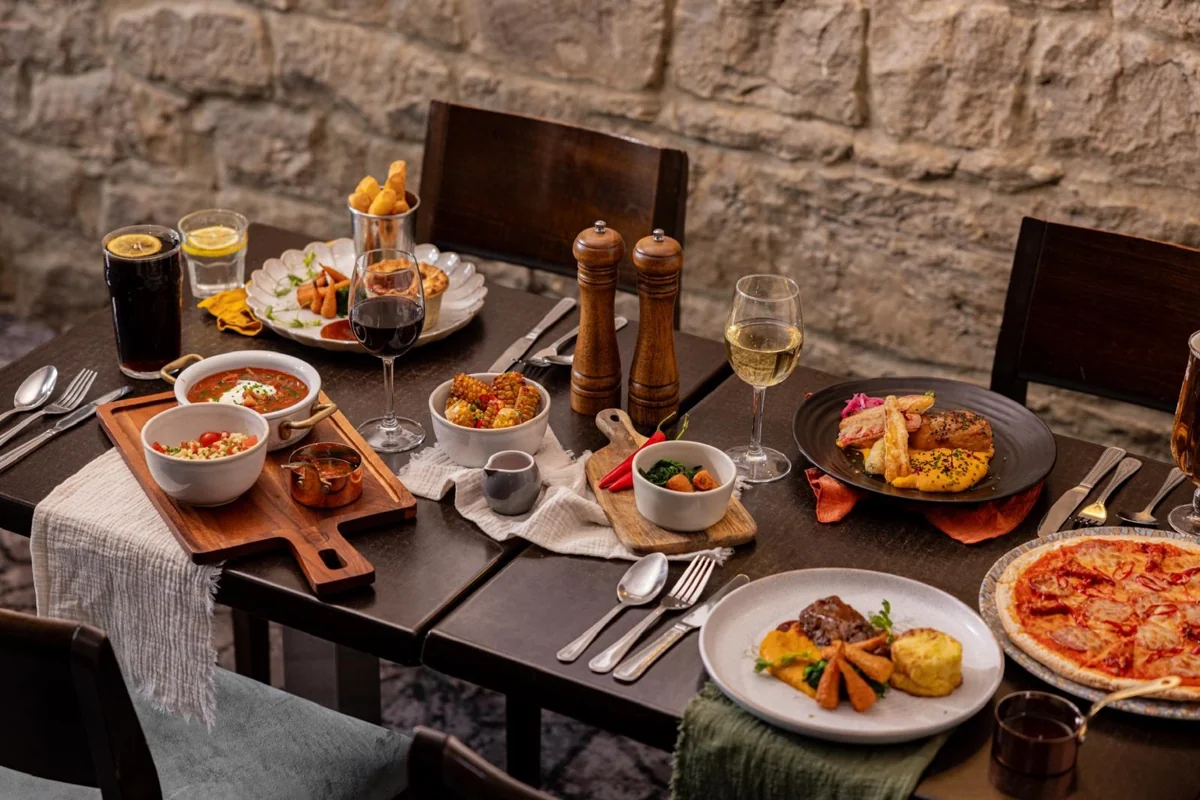
1. Cost the complete dish
A menu price starts with a repeatable portion specification. Include the main ingredient, accompaniments, sauces, garnish, oil and seasoning. Convert pack prices into usable portions and make sure the recipe’s yield matches how the team actually prepares it.
Use costs excluding input VAT that can be recovered, and include VAT that cannot be recovered. Keep a record of supplier pack size, unit cost, usable yield and the date of the price. The food-cost percentage guide includes a complete-plate example and a blank recipe-costing worksheet.
If ingredients or portion sizes are not settled, calculate a range rather than presenting a single figure as certain. Confirm the final specification before using it as the operating standard.
2. Choose a target that fits the operation
Target food GP is a planning input, not a universal rule. Set it alongside the expected number of covers, staffing, rent, utilities, equipment, waste, service style and overall sales mix. A headline margin cannot determine whether those costs will be covered.
A guest-facing signature dish, a quick café item and a banqueting main may need different decisions. Work out what each contributes in pounds and what it asks of the kitchen. Avoid setting a high margin simply because another business uses it.
Confirm whether your target is gross profit margin or markup. They have different denominators: 70% markup is not 70% GP. Our margin versus markup guide explains the difference.
3. Calculate a selling price from target GP
Net selling price = food cost ÷ (1 − target GP ÷ 100)
Price including VAT = net price × (1 + VAT rate ÷ 100)
For £5 food cost and a 70% target GP, the food-cost allowance is 30%. £5 ÷ 0.30 gives £16.6667 net before rounding. With 20% VAT, the customer price is £20.00.
| Target GP | Minimum customer price |
|---|---|
| 60% | £15.00 |
| 65% | £17.15 |
| 70% | £20.00 |
| 75% | £24.00 |
These targets are examples, not recommendations. Required customer prices round up to the next penny where needed. The GP calculator’s selling-price mode performs the calculation and shows the actual margin at the rounded price.
Choose the VAT treatment that actually applies to the supply. Eat-in and takeaway treatment can differ. The calculator’s default is an input convenience, not a decision about tax liability. Refer to GOV.UK VAT rates and HMRC’s catering and takeaway guidance.
4. Check rounding, promotions and fixed prices
A preferred price point can change the result. A dish costing £5 and priced at £19.95 including 20% VAT makes about 69.92% GP, slightly below a 70% target. The difference may be commercially acceptable, but it should be a deliberate choice.
A 10% discount on the £20 customer price makes it £18. With the same £5 cost and 20% VAT, net sales become £15 and GP is 66.67%. That is £10 food gross profit instead of £11.67 before the discount. Compare expected volumes and operating costs, not just the discount percentage.
When the selling price is fixed, work backwards. At £18 including 20% VAT and a 70% food GP target, the maximum food cost is £4.50. The calculator’s maximum-cost mode finds that allowance. Redesigning a dish must still preserve the agreed quality and portion standard.
5. Test the whole service model
Check the proposed menu against customer demand, preparation capacity, service speed, skill requirements and equipment. A strong ingredient margin on a dish that creates a bottleneck does not describe the whole commercial result.
For a delivery or takeaway offer, consider packaging, platform commissions, card fees and any extra handling costs separately. Do not label a figure after those variable expenses as food GP without explaining the change in definition.
DishLab develops bespoke luxury ready-to-serve products through specialist manufacturing partners. These can be considered alongside freshly prepared dishes when evaluating a menu’s quality, consistency and labour requirement. Licensing terms and any claimed operating benefits must be agreed and assessed for the client.
6. Review the numbers after launch
Track portions sold, realised selling prices, purchase costs and relevant stock movement. Compare actual food usage with standard recipe costs. Investigate variance before changing prices: a cost or portion problem may not be solved by increasing the menu price.
Review dishes using total contribution as well as percentage. Weight their sales and costs by the number sold, rather than averaging every item’s GP percentage equally. Revisit the specification when suppliers, yields, recipes or portion sizes change.
Use the free GP calculator for a quick check, or schedule a conversation with DishLab about menu development, sourcing and implementation. The calculator supports a decision; it is not a promise of profit or a substitute for your accounts.
About this guide
Prepared for DishLab’s food-development and kitchen-implementation website. Examples are illustrative arithmetic, not recommended margins, supplier prices or tax advice. Confirm tax treatment and cost classification for your own operation. Calculations shown here use pounds sterling.